Create. Schedule.
Play everywhere.
Control every digital screen from one cloud portal. Build content, publish schedules, pair purpose-built players and keep your network visible—even when a screen temporarily goes offline.
 LIVE PREVIEW
Create
Design layouts and organise media in the portal.
Schedule
Choose screens, dates, dayparts and priorities.
Connect
Securely add each approved screen to your account.
Play
Download, cache and play the active schedule.
Monitor
Track health, proof-of-play and remote updates.
One portal for content, screens and teams
From first upload to fleet-wide reporting, the Screenova portal keeps the entire signage workflow together.
Turn any idea into a screen-ready layout
Arrange content visually, define dedicated zones and preview the result before publishing it to your screens.
- Drag-and-drop content zones
- Landscape and portrait layouts
- Preview before publishing
COLLECTION
Build once. Adapt content for every screen.
Combine branded layouts, multiple regions, scheduled playlists and CMS-rendered widgets. Preview content before publishing, then update one screen, a group or the complete fleet.
- Full-screen and multi-zone layouts
- Campaign scheduling and content priorities
- Images, video, webpages, streams and widgets
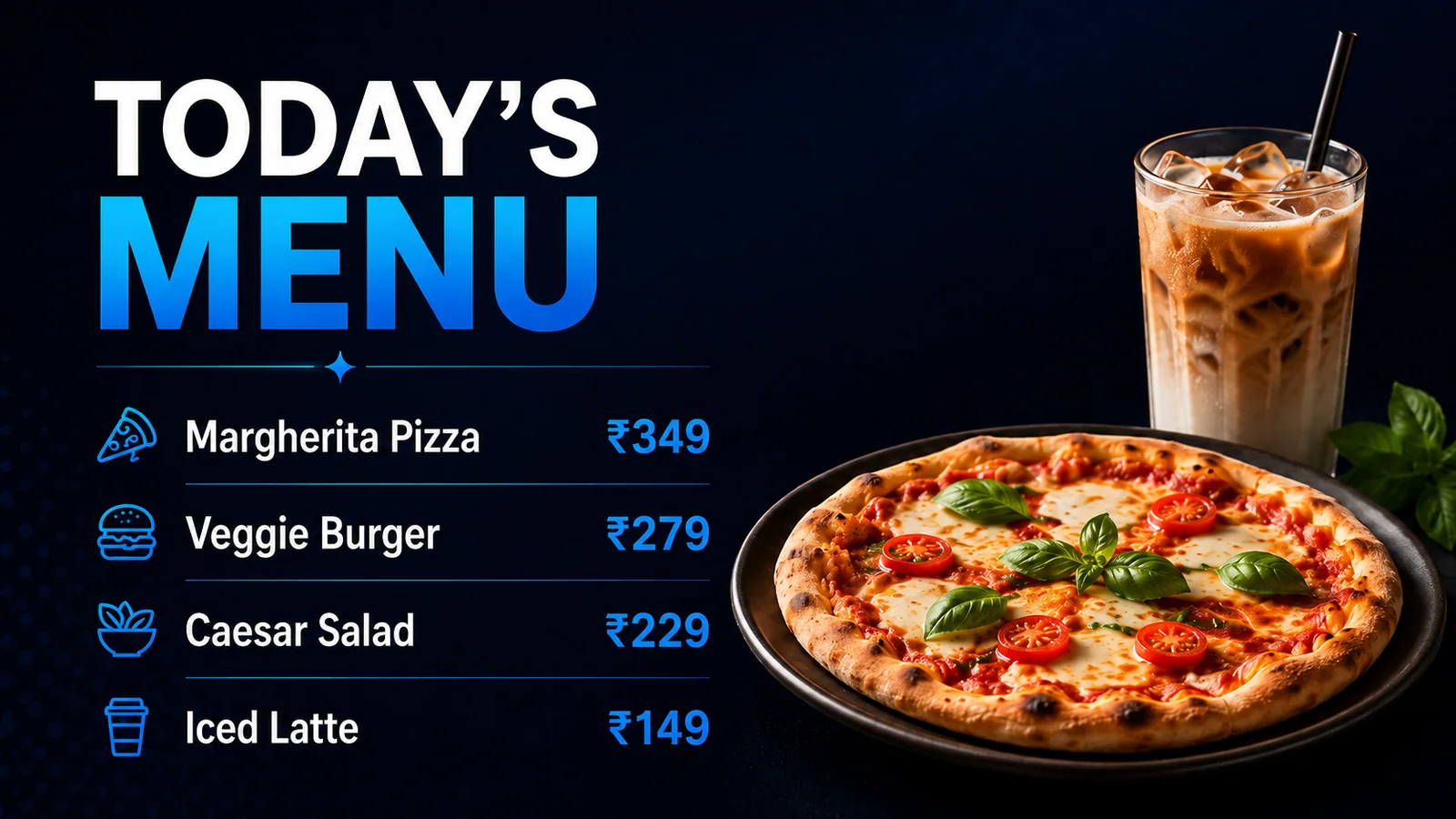
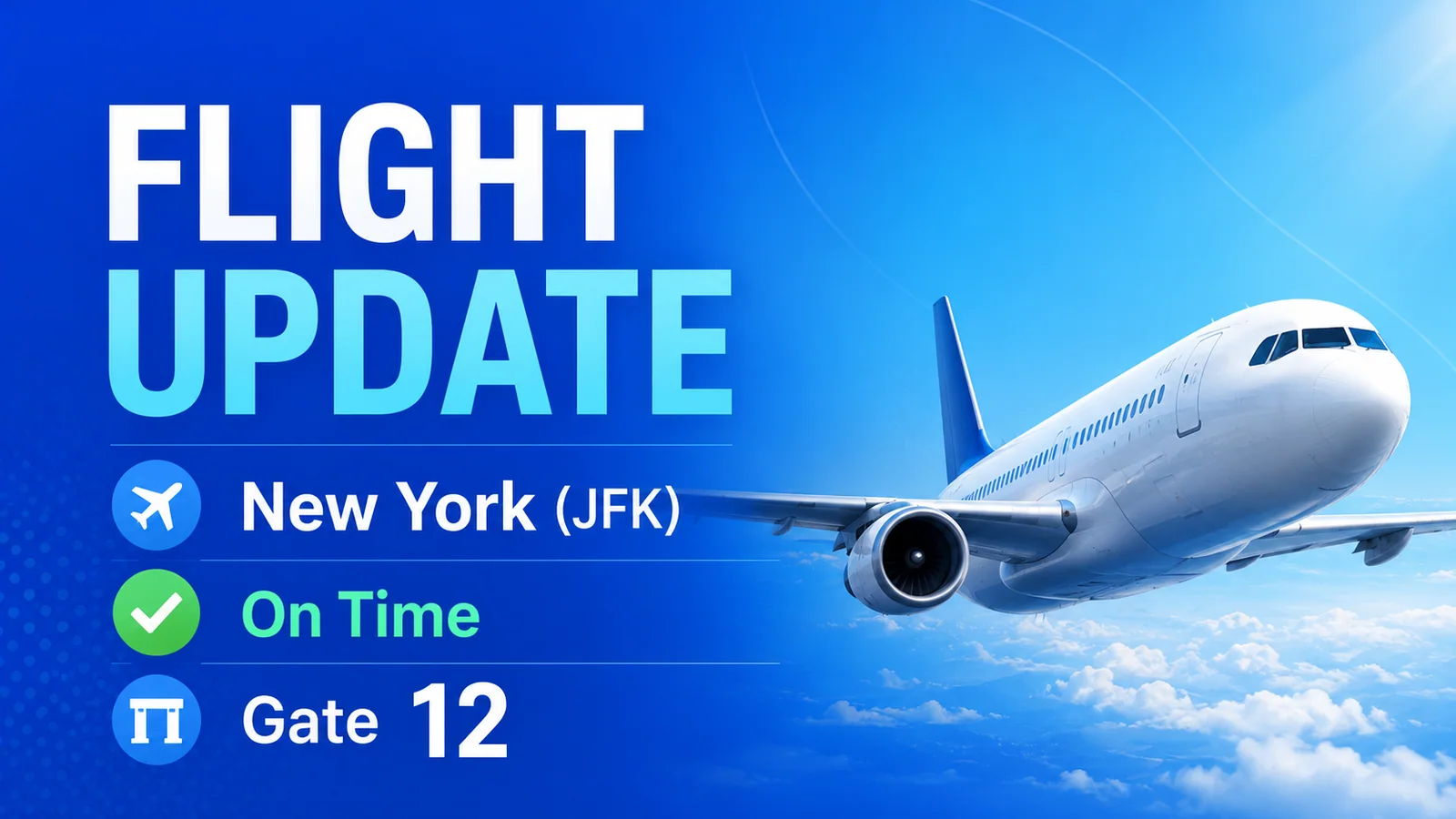
- Ticker, weather, menu boards and live information
- Screen groups, team roles and reusable media

Choose the right player for every display
Connect Android, Windows and selected Samsung or LG commercial displays to the same Screenova portal.
Android Player
Reliable Screenova playback for Android-powered screens, with secure connection, offline content and remote management.
- Works with
- Android and Android TV
- Key benefit
- Flexible setup for dedicated players and compatible displays
- Best for
- Android media players, TVs and touch displays
Windows Player
Turn compatible Windows hardware into a centrally managed signage player for kiosks, displays and video walls.
- Works with
- Compatible Windows devices
- Key benefit
- Simple playback for business PCs and dedicated kiosks
- Best for
- Mini PCs, all-in-one kiosks and video walls
Samsung Tizen Player
Run Screenova directly on supported Samsung commercial displays and reduce the need for external hardware.
- Works with
- Selected Samsung signage models
- Key benefit
- Built-in playback without an external media player
- Best for
- Compatible Samsung commercial displays
LG webOS Player
Connect supported LG commercial displays directly to Screenova for scheduled content and remote visibility.
- Works with
- Selected LG signage models
- Key benefit
- Integrated player experience on compatible screens
- Best for
- Compatible LG webOS signage displays
Find the right fit for your screens
Choose a Screenova player based on the operating system and type of display in each location.
Compatibility note: availability can vary by device model and software version. Contact Screenova to confirm your target hardware before rollout.
Built for screens that need to keep running
Screenova players keep content, schedules and screen status connected through one consistent experience.
Offline-first playback
Cached schedules and media continue playing through temporary network loss.
Automatic updates
Players receive newly published schedules and content from the cloud portal.
Screen health
Connection and playback status flow back to the portal for quick visibility.
Playback reporting
Verify that scheduled content has played across your connected screens.
Smart content delivery
Media is downloaded and prepared before it is needed on screen.
Secure connection
Each approved display connects securely to your Screenova account.
Screenshots & commands
Request a screenshot, refresh content or send supported player controls remotely.
Rich media support
Display images, video, webpages, streams and useful information widgets.
One signage system, many ways to communicate
Deliver the right content in stores, restaurants, offices, campuses, transport hubs and customer-facing spaces.
Retail & promotions
Launch campaigns, offers and product stories across every location.
Menus & hospitality
Update pricing, menus, events and guest information in minutes.
Corporate communication
Share announcements, dashboards, safety content and internal updates.
Transport & wayfinding
Display schedules, alerts, directories and destination information.
Start building your Screenova signage network.
Tell us about your screens, target operating systems and rollout plan. We’ll help you choose the right player for each location.